
13 Educational Games for Kids That Actually Make Learning Fun

Let me tell you something – getting kids excited about learning doesn’t have to feel like pulling teeth. I’ve been on this journey with my 8-year-old son, and I’ve discovered that the secret sauce is finding games that kids actually WANT to play while sneaking in all that good educational stuff.
You know what I’m talking about, right? Those moments when your child is so absorbed in what they’re doing that they don’t even realize they’re practicing math or reading. That’s the sweet spot we’re aiming for!
I’ve put together this list of 13 educational games for kids that have been game-changers (pun intended) in our house and many others. These aren’t your boring drill-and-kill apps – these are genuine crowd-pleasers that happen to boost brain power too.
Digital Educational Games That Kids Love
1. Prodigy Math Game
Age Group: 6-14 years
Difficulty Level: Adaptive (adjusts to child’s level)
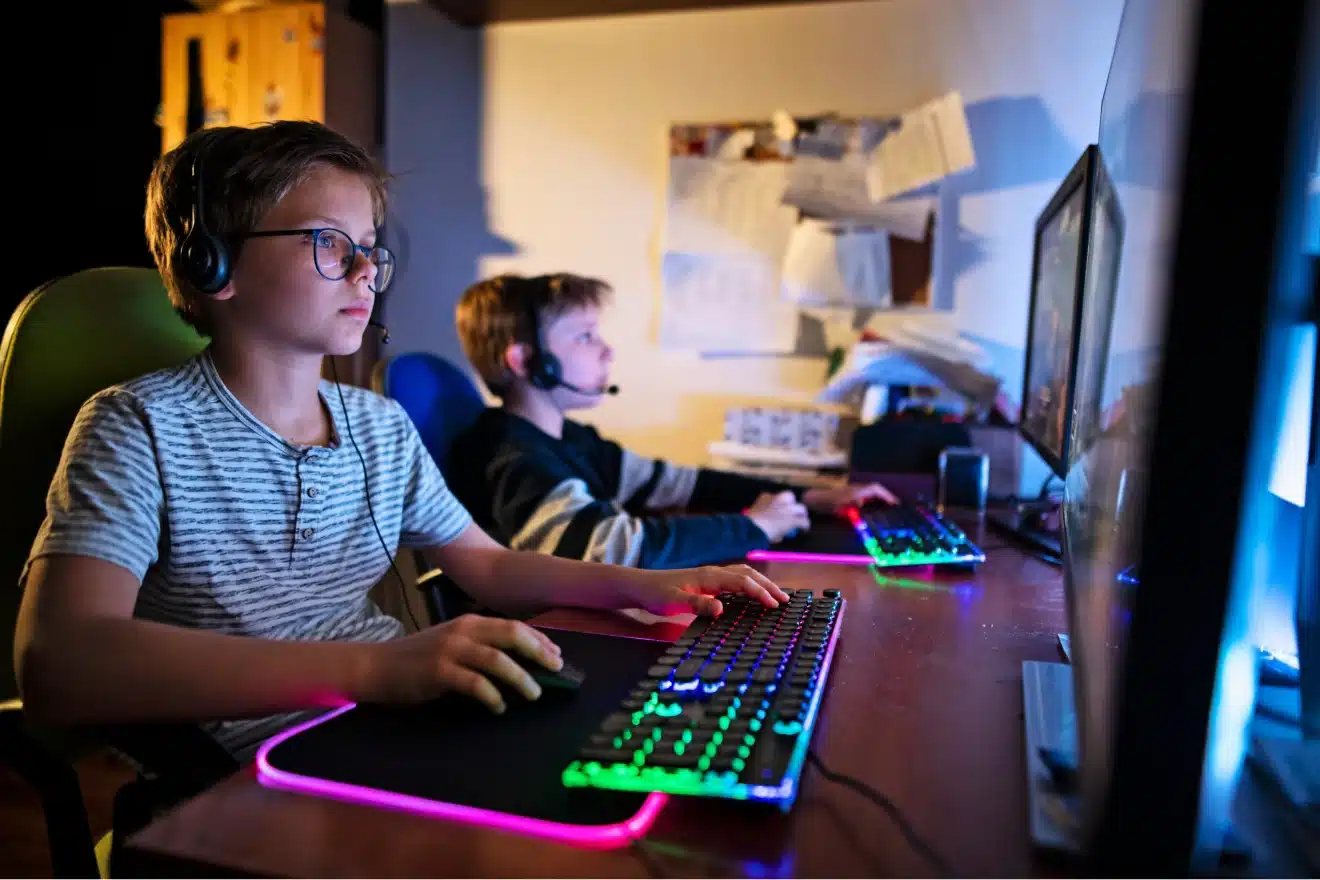
This one’s a total winner in our house! It’s basically like Pokemon but for math. Your child creates a wizard character and goes on adventures, battling monsters by solving math problems. The game automatically adjusts to their skill level, so they’re always challenged but never frustrated.
How it works: Kids answer math questions to cast spells and defeat creatures. The more problems they solve, the stronger their character becomes. It covers everything from basic addition to advanced algebra depending on the child’s grade level.
2. DragonBox Numbers
Age Group: 4-8 years
Difficulty Level: Beginner to Intermediate
Perfect for little ones who are just getting friendly with numbers. This app turns math concepts into adorable character interactions. Instead of boring number worksheets, kids play with cute creatures called Nooms that represent different numbers.
How it works: Children drag and drop these animated numbers to solve puzzles. They learn addition, subtraction, and basic number sense without even realizing they’re doing math homework!
Products by Category


3. Osmo Learning System (Words & Numbers)
Age Group: 5-10 years
Difficulty Level: Beginner to Advanced
Now this is where things get really cool! Osmo bridges the gap between digital and physical play. You need an iPad and the Osmo base, plus the physical tiles that come with each game.
How it works: Kids use real letter tiles or number blocks in front of their iPad. The device’s camera sees what they’re doing and responds on screen. For Osmo Words, they spell words to help a character escape from sticky situations. With Osmo Numbers, they solve math problems using physical number tiles.
4. Endless Alphabet
Age Group: 3-6 years
Difficulty Level: Beginner
This app makes learning letters and vocabulary absolutely delightful. Each word comes alive with silly animations that show exactly what the word means. My son still giggles at some of these animations!
How it works: Kids drag letters to spell words, then watch funny monsters demonstrate the word’s meaning through entertaining animations. It’s vocabulary building that doesn’t feel like work.
📌 Related article: The Ultimate Guide to Educational Toys for Toddlers: 10 Must-Have Learning Tools
5. ABCmouse Games
Age Group: 2-8 years
Difficulty Level: Beginner to Intermediate
ABCmouse is like having an entire elementary school curriculum in app form. It covers reading, math, art, music, and more through hundreds of mini-games and activities.
How it works: Kids follow a structured learning path filled with interactive lessons, games, and activities. They earn tickets for completing tasks, which they can spend in a virtual store – talk about motivation!

6. Kahoot! Kids
Age Group: 3-8 years
Difficulty Level: Beginner to Intermediate
Remember those quiz games that made learning fun in school? Kahoot! brings that energy home. Kids can play solo or challenge family members in various subjects.
How it works: Choose from thousands of pre-made quizzes or create your own. Kids answer multiple-choice questions with colorful buttons, earning points for correct answers and speed.
7. Toca Lab: Elements
Age Group: 6-12 years
Difficulty Level: Intermediate
Who says chemistry is too advanced for kids? This game introduces the periodic table through playful experimentation. Kids get to be mad scientists in the safest way possible!
How it works: Children experiment with different elements by heating, cooling, mixing, and zapping them to discover new elements. Each element has its own personality and reactions.
📌 Related article: Road Trip Activities for Kids: 20 Fun Ideas to Keep Everyone Happy
8. Lightbot
Age Group: 8+ years
Difficulty Level: Intermediate to Advanced
Perfect introduction to coding concepts without overwhelming kids with complex programming languages. This game teaches logical thinking and problem-solving through adorable robot characters.
How it works: Kids program a robot to navigate through levels by dragging command blocks. They learn sequencing, loops, and conditionals – core programming concepts that prepare them for real coding later.
Creative Problem-Solving Games

9. Scribblenauts Unlimited
Age Group: 8+ years
Difficulty Level: Intermediate to Advanced
This game blows my mind every time. Kids solve puzzles by typing any word they can think of, and that object appears in the game. Want to reach a high platform? Type “ladder” or “helicopter” or even “giraffe” – anything goes!
How it works: Players help Maxwell solve problems by creating objects with words. It encourages creative thinking, expands vocabulary, and shows that there are multiple solutions to every problem.
10. Minecraft: Education Edition
Age Group: 6+ years
Difficulty Level: Beginner to Advanced
Yes, Minecraft can be educational! The Education Edition includes lessons on history, science, coding, and more. Kids can explore ancient civilizations, build chemical compounds, or learn basic programming.
How it works: Teachers and parents can access pre-built worlds with educational content, or kids can explore freely while developing spatial reasoning, planning skills, and creativity.
📌 Related article: Educational Toys for 9 to 12 months old | My Son’s Favourites
Classic Logic Games Reimagined
11. Zoombinis
Age Group: 8+ years
Difficulty Level: Intermediate to Advanced
This is actually a remake of a classic 90s game that’s still brilliant today. Kids guide cute blue creatures called Zoombinis through various logic puzzles to reach their new home.
How it works: Children must recognize patterns and use logical reasoning to get groups of Zoombinis past obstacles. Each puzzle requires different problem-solving strategies.
12. BrainPOP GameUp
Age Group: 6-14 years
Difficulty Level: Beginner to Advanced
BrainPOP partners with game developers to create educational games tied to school subjects. You’ll find games covering everything from fractions to the solar system.
How it works: Kids can browse games by subject or grade level. Each game connects to curriculum standards, making it easy to find content that supports what they’re learning in school.
📌 Related article: 30+ Fun Backyard Activities for Kids That Beat Screen Time Every Time
13. Thinkrolls (formerly Busy Water)
Age Group: 3-9 years
Difficulty Level: Beginner to Intermediate
These physics-based puzzle games teach cause and effect, logic, and basic physics principles through adorable rolling characters navigating obstacle courses.
How it works: Kids guide colorful characters through mazes by manipulating various objects and obstacles. They learn about gravity, acceleration, and other physics concepts naturally through play.
Tips for Making the Most of Educational Games
Here’s what I’ve learned from watching my son and other kids play these games:
Set reasonable time limits. Even educational screen time should be balanced with other activities. We do 30-45 minutes on weekdays and a bit more on weekends.
Play together when possible. Some of the best learning happens when you’re sitting beside them, asking questions and celebrating their wins.
Don’t stress about perfection. These games are designed to let kids learn from mistakes. Let them experiment and figure things out on their own.
Mix digital with hands-on. Balance screen-based learning with physical activities, outdoor play, and real-world exploration.
FAQs About Educational Games for Kids
-
Are educational games as good as traditional learning methods?
They’re a fantastic supplement to traditional learning, not a replacement. These games can reinforce concepts, provide extra practice, and make learning more engaging.
-
How much screen time is appropriate for educational games?
Most experts recommend 30-60 minutes of educational screen time for school-age children, depending on their age and other activities.
-
Can younger kids really benefit from these games?
Absolutely! Many of these games are designed for preschoolers and can help with pre-reading, number recognition, and problem-solving skills.
-
Do I need to supervise my child while they play?
It’s great to check in occasionally, especially with younger children. Your involvement can enhance their learning experience.
-
Are these games worth the cost?
Most of these games cost less than a single tutoring session and provide hours of educational entertainment. Many offer free trial periods too.
Conclusion

As parents, we want our kids to succeed academically, but we also want them to actually enjoy learning. These educational games hit that sweet spot where fun meets education.
The best part? Kids don’t even realize they’re learning half the time. They’re just having a blast solving puzzles, going on adventures, and creating things. And honestly, isn’t that how learning should feel?
Whether your child is struggling with a particular subject or you just want to keep them engaged during summer break, these games offer something for everyone. From my 7-year-old’s obsession with Prodigy Math to watching him build incredible structures in Minecraft Education Edition, I’ve seen firsthand how these tools can spark genuine excitement about learning.
Remember, the goal isn’t to replace teachers or homework – it’s to show kids that learning can be an adventure worth taking. And trust me, once they get started, they’ll be asking for “just five more minutes” of math practice. Now that’s what I call a win-win!
Happy playing,
Xx Kinga
Related posts
Pin it for later!


